Virtual interviews have become the standard in today’s job market. While the setting is more relaxed than an in-person meeting, the stakes remain high. Your virtual presence is your professional brand; one shaky camera angle or unexpected background noise can break your focus.
Don’t let technical hiccups derail your next big opportunity. Here is your ultimate checklist to ensure you’re prepared, polished, and ready to impress before you click that "Join Meeting" button.
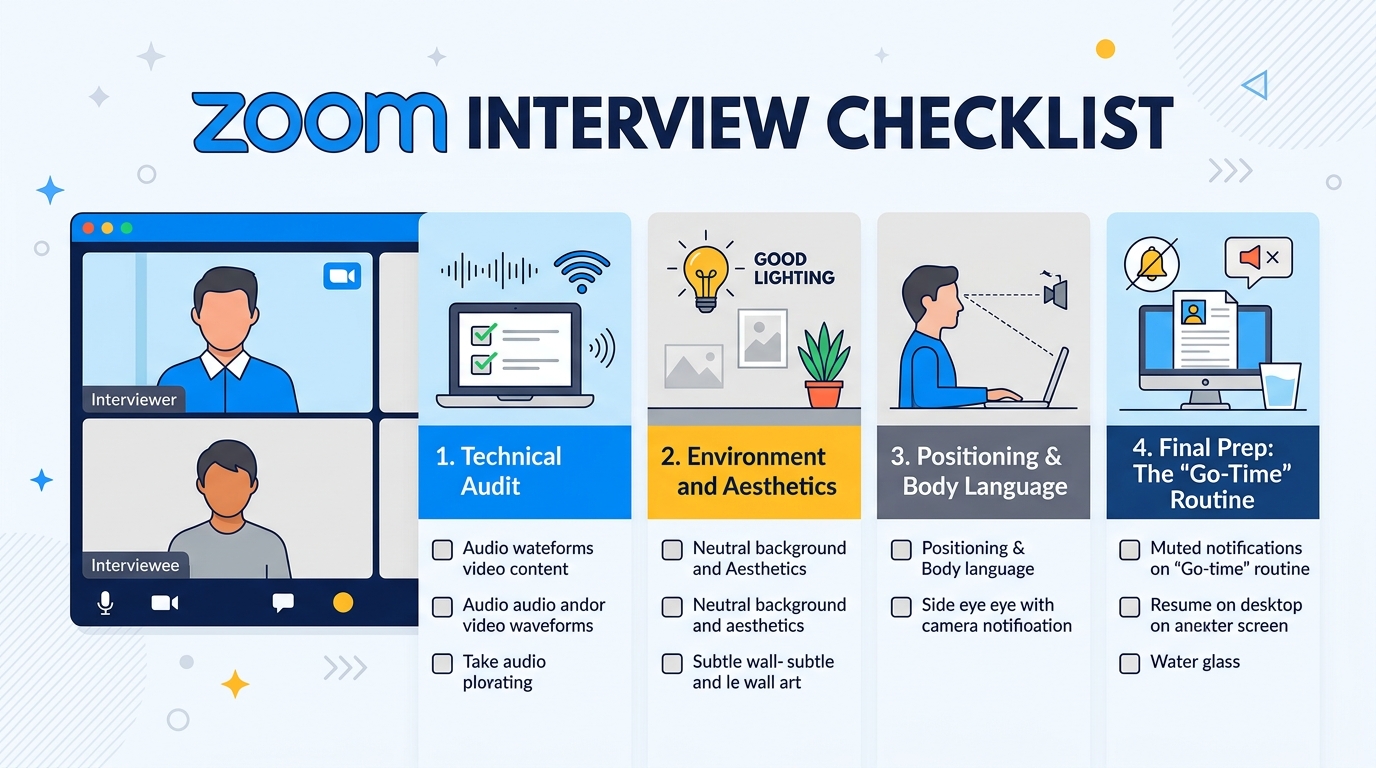
1. Technical Audit: The Basics
Before you worry about your outfit, make sure the digital infrastructure of your interview is rock solid.
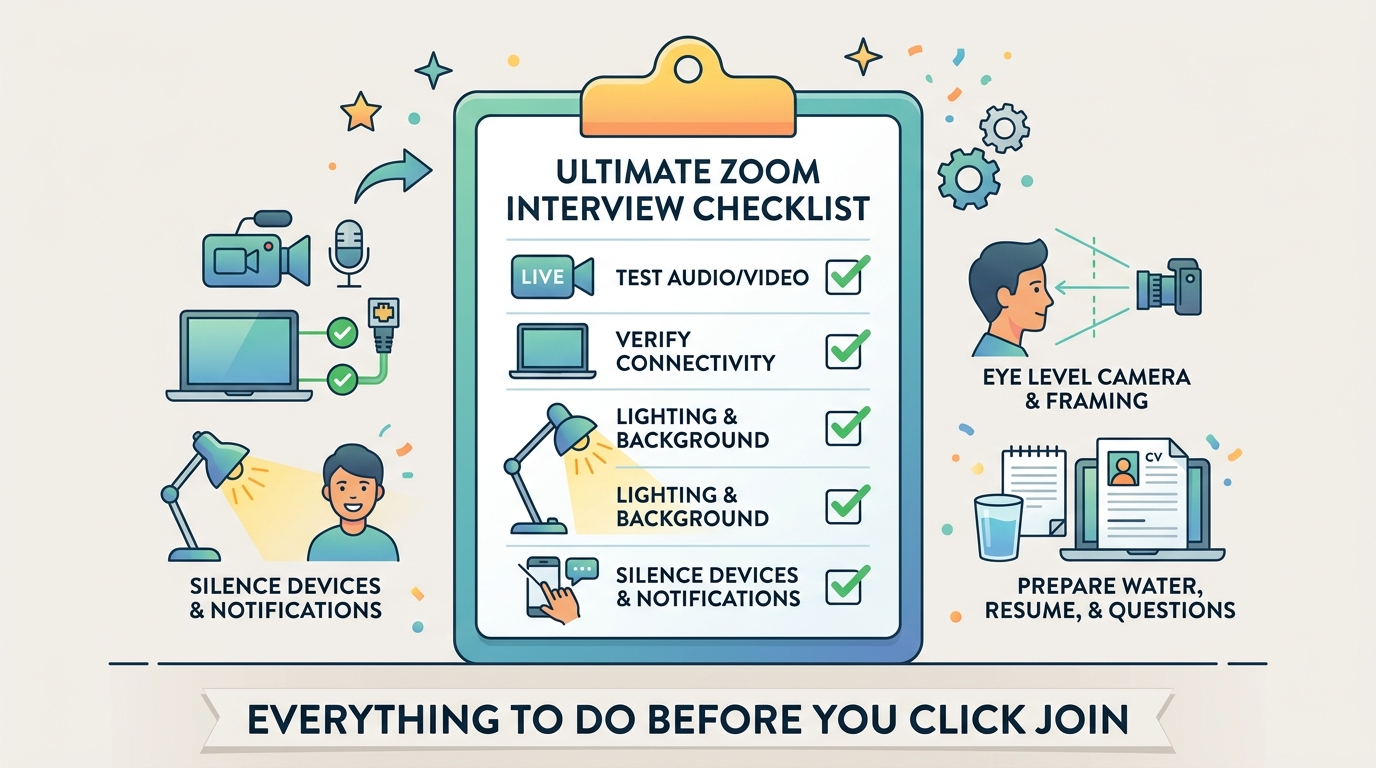
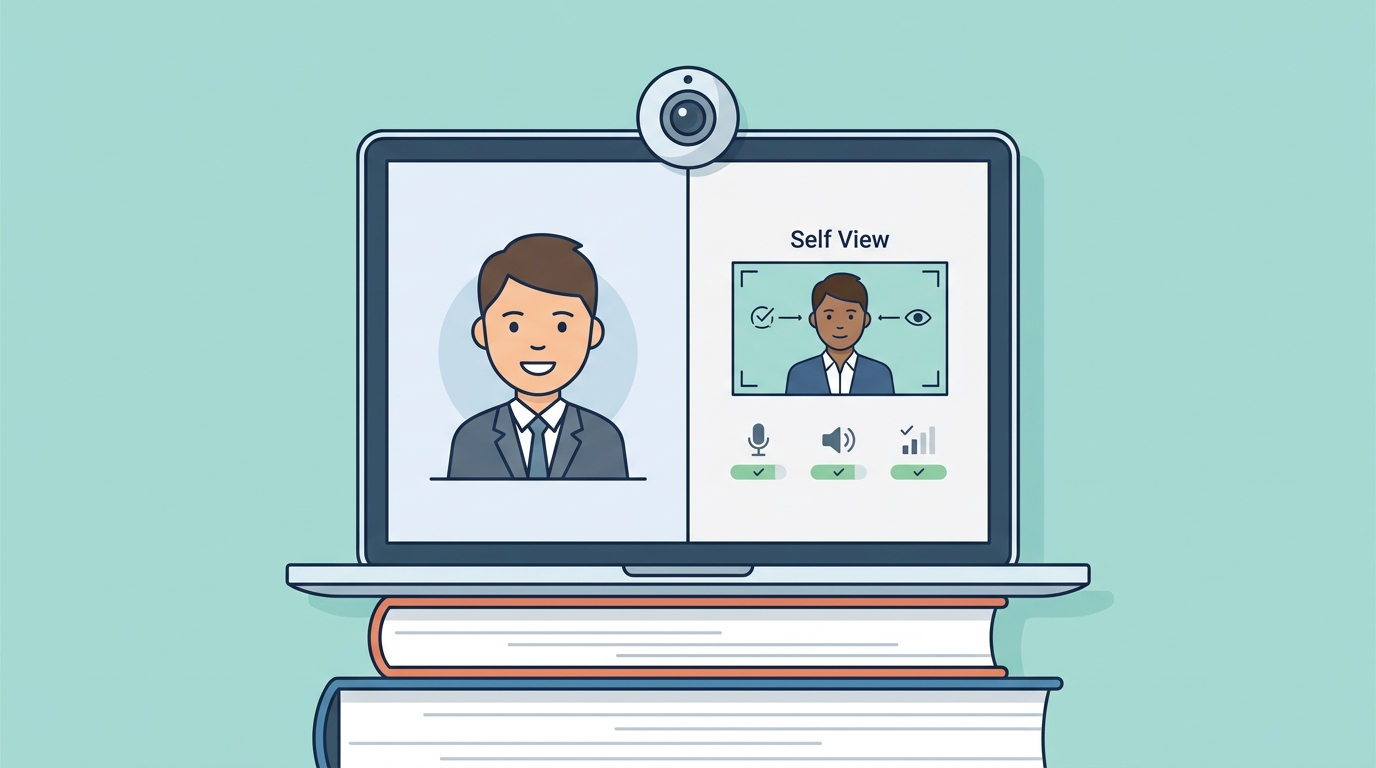
Test Your Audio & Video: Use the Zoom test link to verify your microphone, speakers, and camera are functioning.
Check Your Connectivity: If possible, plug your computer directly into your router with an Ethernet cable to avoid Wi-Fi dropouts.
Charge Up: Don’t rely on your laptop battery. Keep your charger plugged in for the duration of the interview.
2. Environment and Aesthetics
Your background says a lot about you. The goal is to minimize distractions so the recruiter stays focused on your skills, not the messy laundry behind you.
Lighting is Key: Avoid sitting with a window behind you, which will turn you into a silhouette. Position your light source in front of you.
Neutral Backgrounds: A clean office space, a bookshelf, or a simple wall is best. If your space isn't ideal, use a subtle Zoom background or the "blur" feature.
The "Clean Sweep": Ensure there are no distracting items in the camera frame, such as dirty dishes or piles of mail.
3. Positioning and Body Language
On camera, small adjustments to your framing can make a massive difference in how you are perceived by the interviewer.
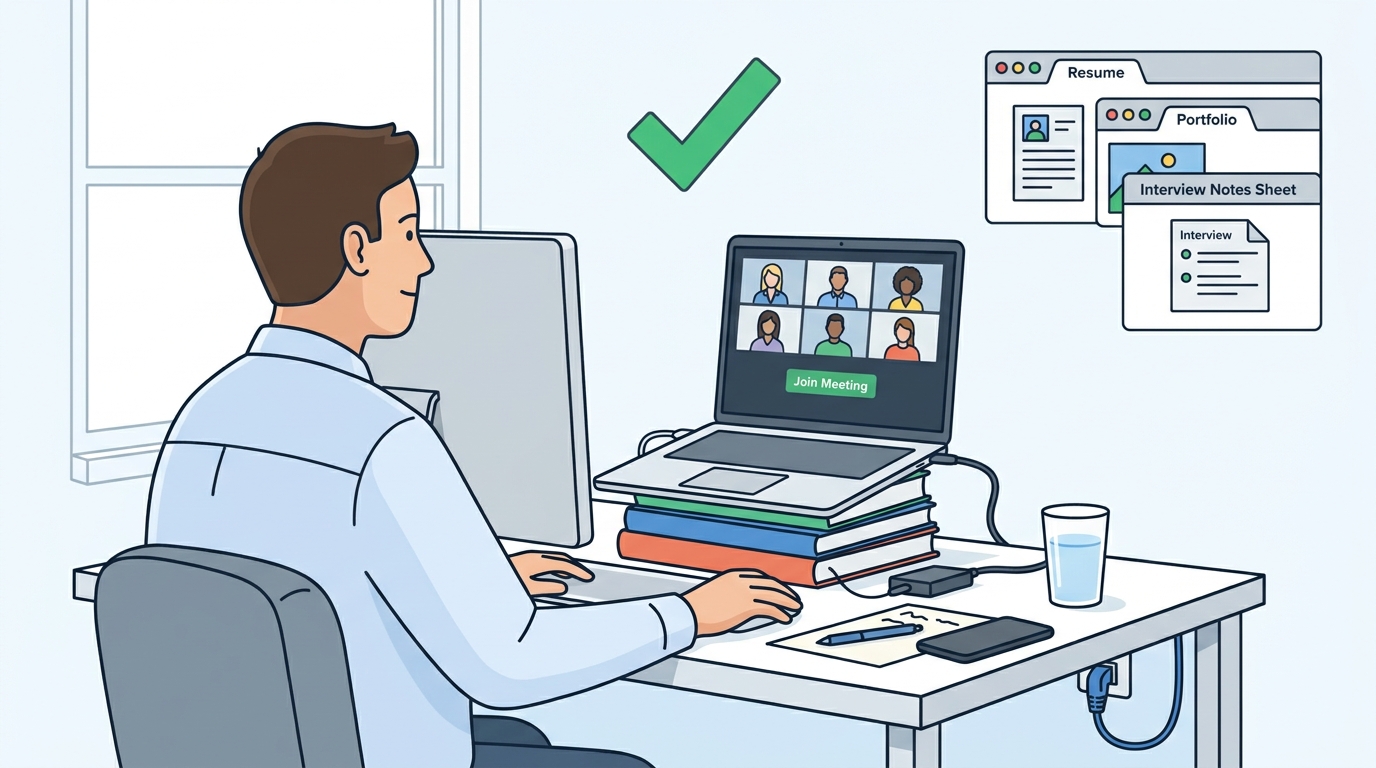
Eye Level Matters: Prop your laptop up on a stack of books so the camera is at eye level. Looking down at a camera makes you look disconnected; looking straight at it conveys confidence.
Check Your Framing: Position yourself so your head and shoulders are centered. You should have a bit of space above your head.
Look at the Lens: It’s tempting to look at the interviewer’s face on the screen, but try to look at the webcam lens when you are speaking to create "virtual eye contact."
4. Final Prep: The "Go-Time" Routine
Five minutes before the call, stop the frantic searching and enter "Interview Mode."
Close Unnecessary Tabs: Keep your resume and a list of questions open on your screen, but close emails, messaging apps, and distracting news feeds.
Check Your Appearance: Take one last look at your reflection to ensure no flyaway hairs or camera-related glitches are apparent.
Hydration: Keep a glass of water nearby. Talking for 30+ minutes can cause a dry throat, and you don’t want to be scrambling for water mid-sentence.
Silence Devices: Put your phone on "Do Not Disturb" and ensure your computer notifications (like Slack or Teams) are completely turned off.
Summary Checklist: The 5-Minute Countdown
If you are running tight on time, hit these essentials:
[ ] Background/Lighting: Are you well-lit and clutter-free?
[ ] Audio/Mic: Can they hear you clearly without background interference?
[ ] Framing: Is your camera at eye level?
[ ] Focus: Have you silenced your notifications?
[ ] Materials: Is your resume visible and ready for quick reference?
Virtual interviews require an extra layer of preparation, but the effort pays off. By taking control of your technical and physical environment, you project confidence and competence before the first question is even asked.