Master the Virtual Interview: Command Confidence on Camera
In today’s remote-first job market, the "screen-to-screen" interview has become the gold standard. While you may have mastered the traditional handshake, translating that same level of professionalism and charisma through a webcam requires a different skill set.
Whether you are a seasoned professional or a recent graduate, here is how you can command the room—without ever stepping foot in one.
1. Frame Your Shot Like a Pro
In a video interview, your environment says as much about you as your resume. You don't need a film studio, but you do need intention.
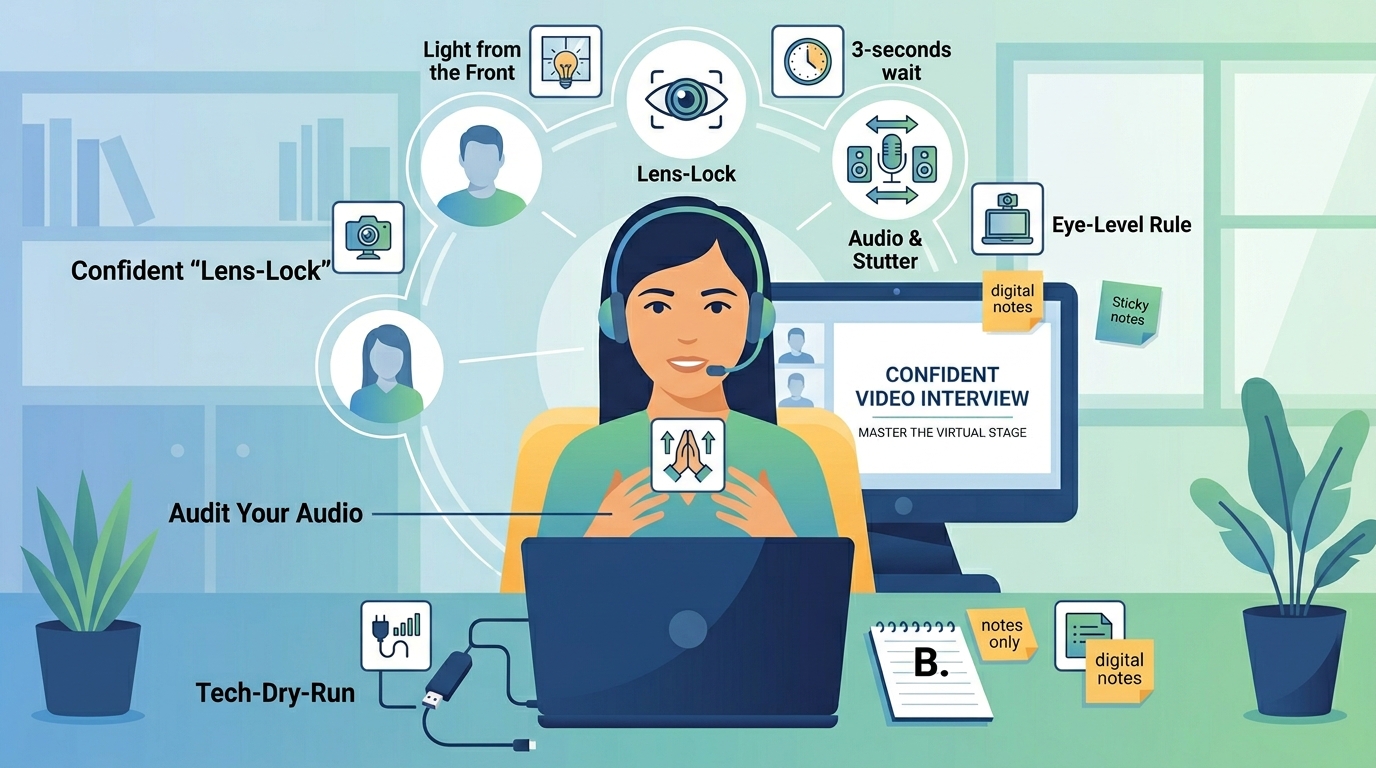
The Eye-Level Rule: Place your laptop on a stack of books so the camera sits at eye level. Looking down into a laptop creates a distracting perspective that undermines your authority.
Light from the Front: Never sit with a window behind you, or you’ll look like a silhouette. Position yourself facing a natural light source to ensure your face is clear and professional.
2. Command Your Body Language
Even when your recruiter can only see your head and shoulders, your body language dictates the energy of the conversation.
Master the "Lens-Lock": It’s tempting to look at the interviewer’s face on your screen, but to maintain real eye contact, you must look directly into the camera lens when you speak.
Posture Matters: Sit on your sit-bones with your shoulders back. When you lean slightly toward the screen, it signals interest and active listening.
Mind the Gestures: Keep your hand movements within the "frame" of the camera. Flailing arms can look chaotic, but gentle, controlled gestures add warmth and humanize your delivery.
3. Audit Your Audio
The quality of your sound is often more important than the quality of your video. If you are cutting in and out, your confidence—and your message—will suffer.
Use an External Mic: Your laptop's built-in microphone often picks up fan noise or echoes. Use a decent pair of wired earbuds or a USB headset for a crisp, professional sound.
The 3-Second Rule: To avoid the common "Zoom-stutter" where two people speak at once, wait three seconds after the interviewer stops talking before you begin your answer. This subtle pause conveys calm, thoughtful confidence.
4. Control Your Content and Pace
Nervous candidates often speed up their speech, which can sound like a lack of conviction. Confidence sounds like controlled pacing.
Speak with Intent: Pause before answering big questions. Taking a deep breath signals that you are thoughtful rather than reactive.
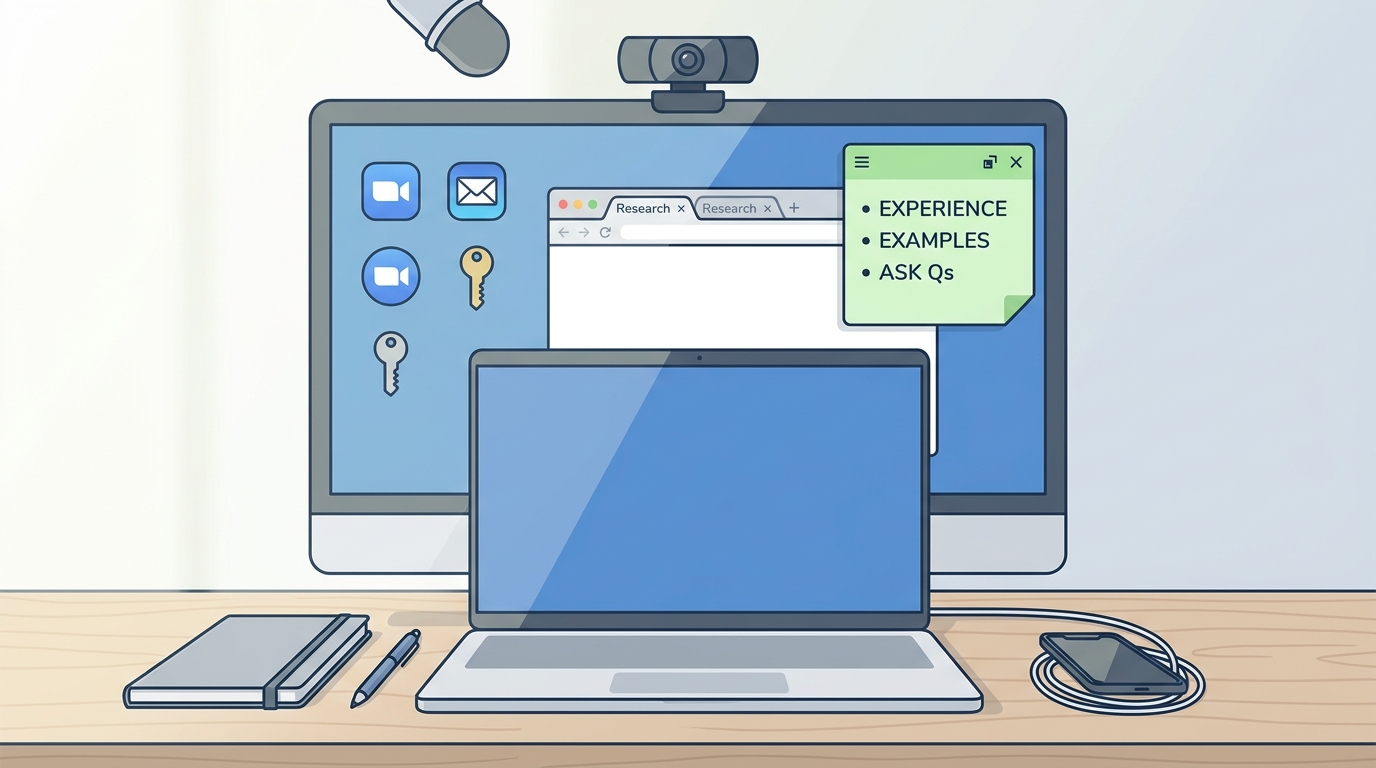
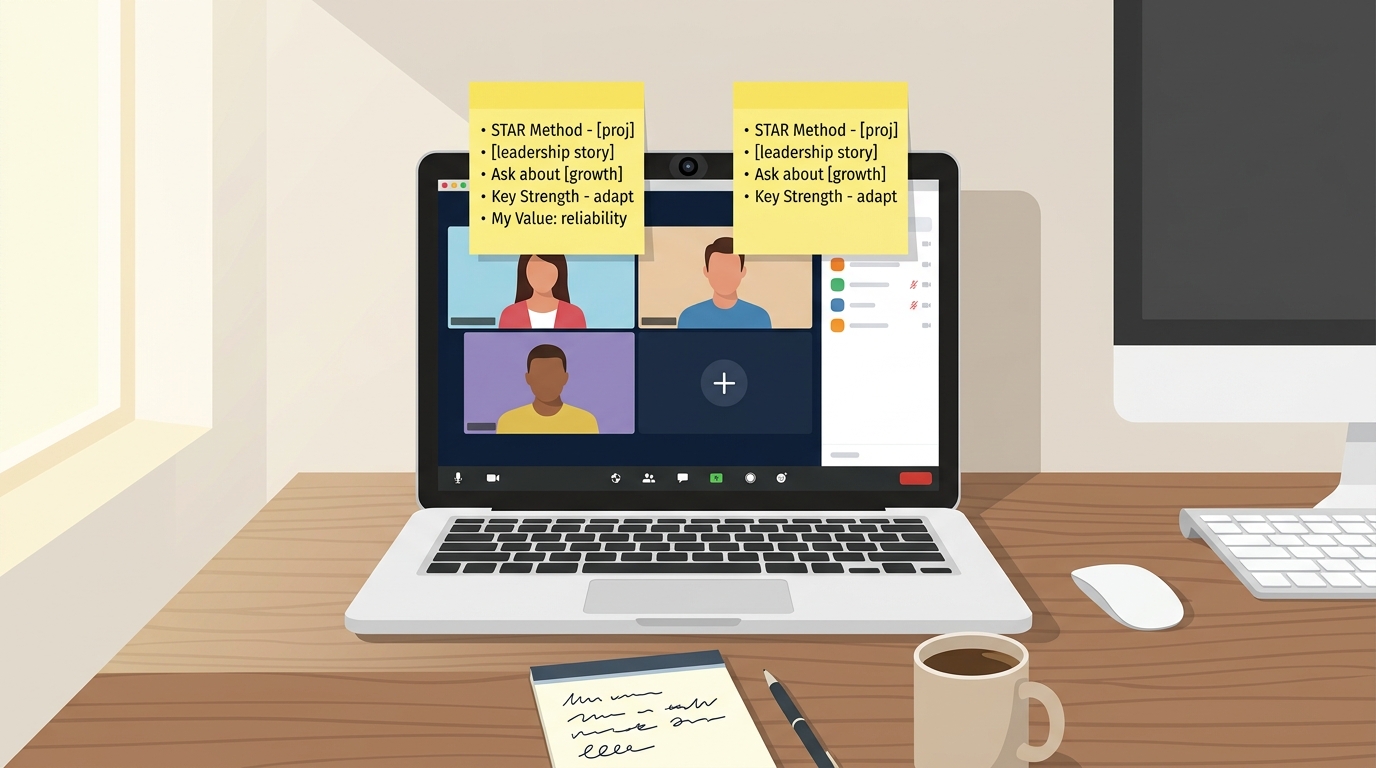
Leverage Digital Notes: Unlike in-person interviews, you can have notes on your screen. Use a sticky note app placed right near the camera lens. Just remember: keep them to bullet points, not full scripts, so you don't look like you’re reading.
Final Thoughts: The Technical Dry Run
The ultimate confidence killer is a "tech emergency" at 9:00 AM sharp. Test your software, your internet connection, and your background layout at least 30 minutes before the call.
By removing the friction of technical glitches, you allow your personality, skills, and value to shine through. You’ve done the preparation—now step into that virtual room and own the conversation!