How to Handle Technical Glitches During a Video Interview
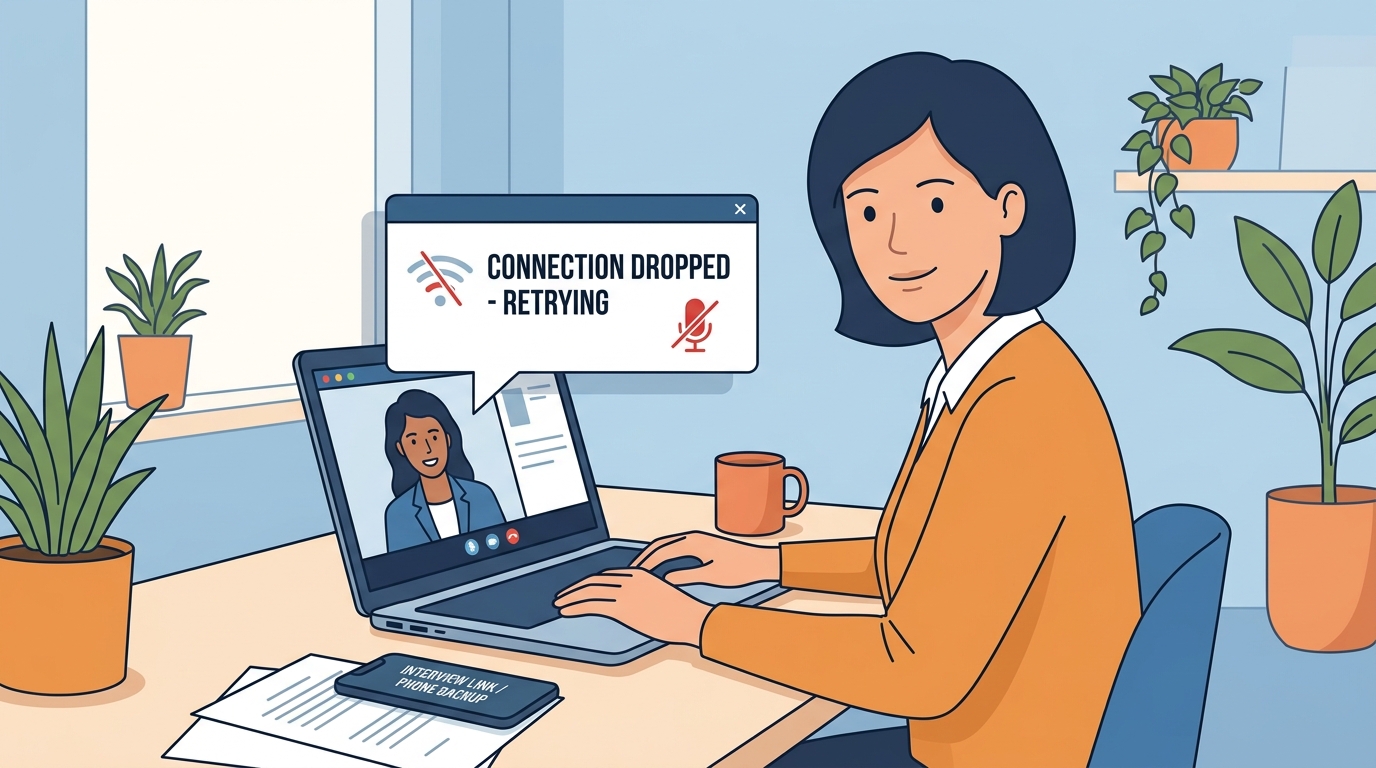
In today’s remote-first job market, video interviews are the standard. While we all strive for a seamless experience, technology is unpredictable. Whether it’s a sudden internet dropout, a frozen screen, or a microphone that decides to mute itself, technical difficulties can happen to the best of us.
The good news? A technical glitch doesn’t have to cost you the job. Recruiters aren't looking for a perfect technological setup; they are looking for your ability to remain calm and problem-solve under pressure.
Here is how to handle a tech disaster with grace and professionalism.
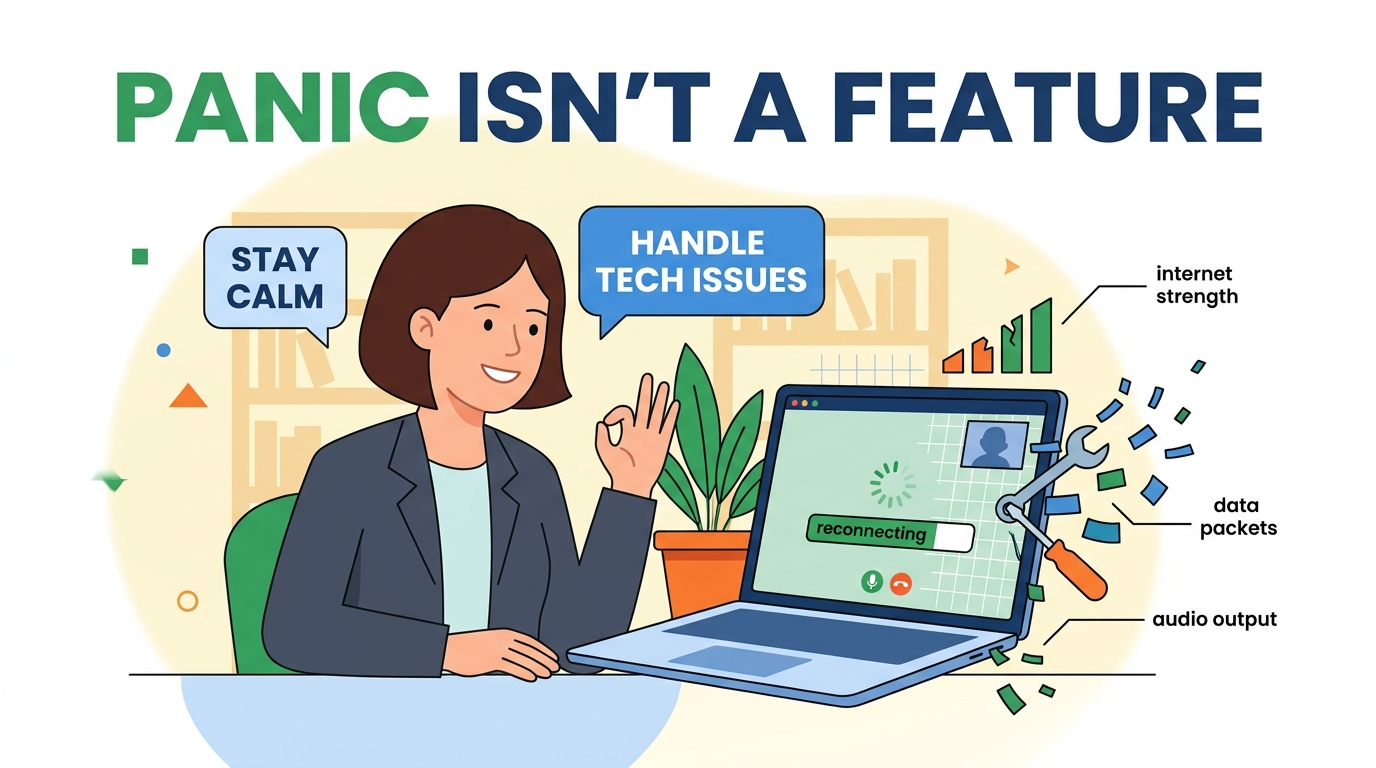
1. Stay Calm and Acknowledge the Issue
The moment something goes wrong, your instinct might be to panic. Don’t. The interviewer is likely feeling just as awkward as you are.
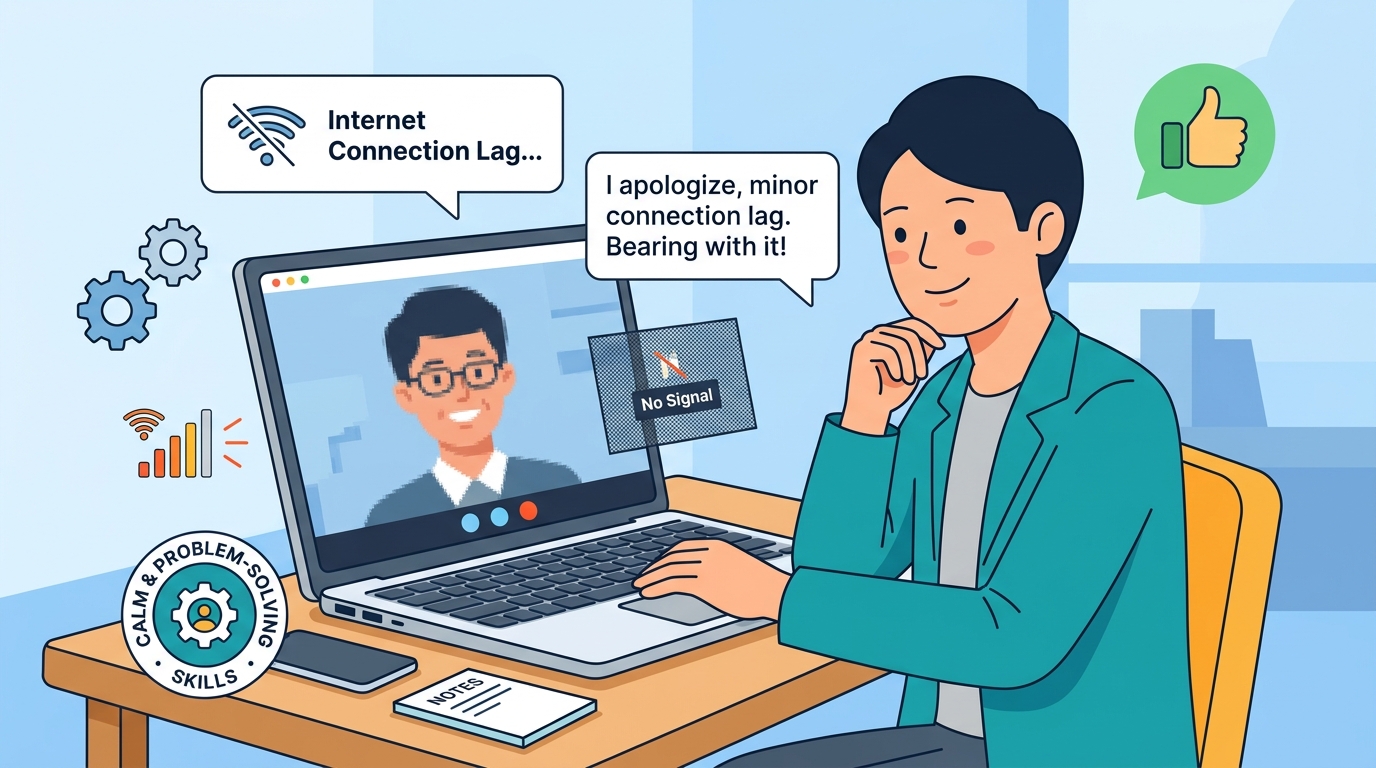
Take a breath, smile, and calmly address the situation. Avoid using overly frustrated language. Instead of saying, "My internet is terrible today, this is so annoying," try: "I apologize, it seems like I’m experiencing a minor connection lag. Please bear with me for a moment while I reset."
By staying composed, you demonstrate emotional intelligence—a trait that is often more valuable than the perfect internet speed.
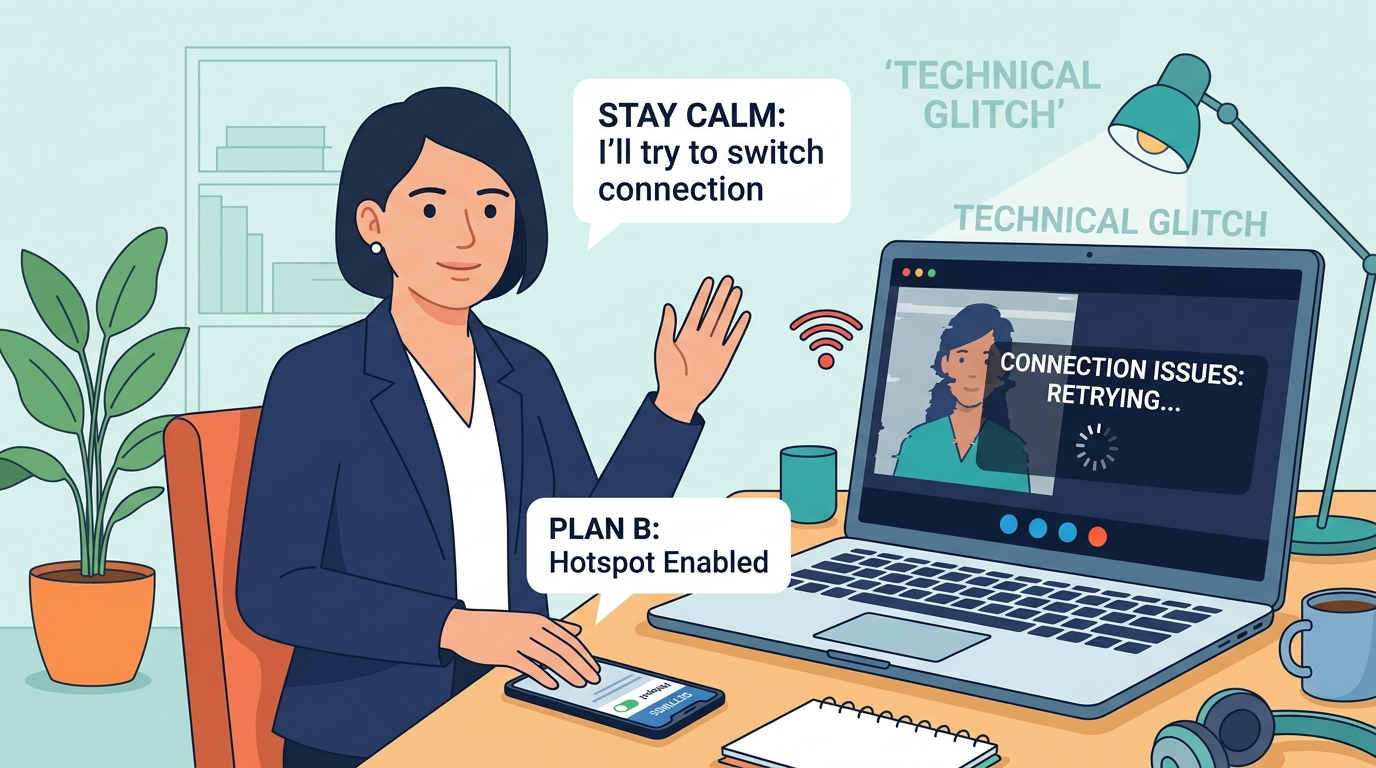
2. Have a "Plan B" Prepared
Preparation is the best way to avoid a catastrophe. If you go into an interview without a backup, you’re gambling with your potential new career.
Hotspot/Mobile Data: Have your phone ready as a personal hotspot.
Alternative Device: Keep a tablet or secondary laptop nearby with the interview link saved.
Phone Number: Ask for the interviewer’s direct contact number before the call starts, just in case the video platform fails completely.
3. Communication is Key
If the connection is stuttering, do not try to "push through" it. You’ll miss parts of their questions, and they will miss your answers.
If the audio or video is glitching, pause and offer to switch modes. Suggesting, "The connection is a bit choppy; would you mind if we switch to a phone call to ensure we have a clear conversation?" shows you are focused on results rather than the medium.
4. Master the "Quick Fix"
Some problems are preventable. Before your interview starts, run through this 2-minute checklist:
Close unnecessary tabs: Background programs (especially those syncing files) steal bandwidth.
Hardwire when possible: If you can, use an Ethernet cable instead of Wi-Fi.
Check lighting and battery: Always be plugged into power and have a reliable light source facing you.
5. Send a Professional Follow-up
If the interview was significantly disrupted, don't ignore it. Send a brief, professional follow-up email. Thank them for their patience and reiterate your interest.
Pro-tip: Don't apologize excessively. Keep it brief: "I enjoyed our conversation today and appreciated your patience as we navigated those minor technical difficulties. It was a pleasure learning more about the role."
Final Thoughts
Remember, interviewers are humans, too. They have experienced these exact issues on their own Zoom calls. When you handle a glitch with patience, honesty, and a proactive solution, you actually create an opportunity to show off your soft skills.
Keep your cool, stay prepared, and remember: you are interviewing for your talent and personality, not your fiber-optic cable. Good luck!